SnapPea
has been specifically designed to help you manage the content available
on your Android phone. This is not limited to media files, which can be
easily accessed through a file manager, but also extends to contacts,
text messages and applications.
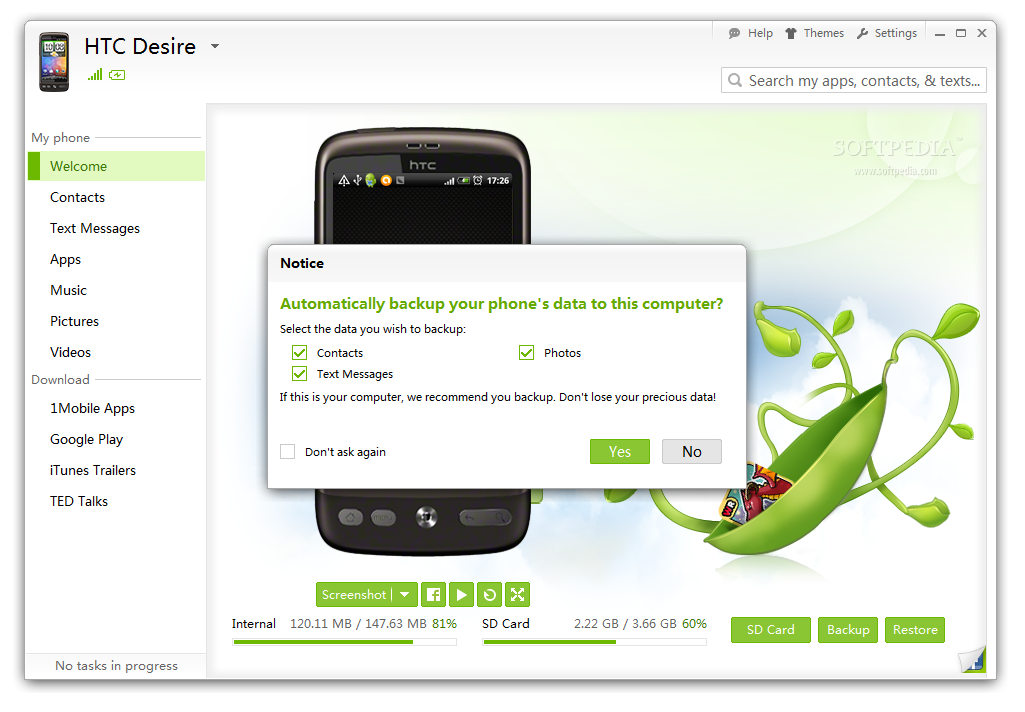
Furthermore, SnapPea can create backup copies for the aforementioned
data as well as restore it to your phone. The application is free of
charge and currently it is in beta stage of development.
Getting it on the computer requires you to follow the traditional
installation steps as in the case of most programs. When launched, it
downloads and adds the necessary drivers to make the connection with our
phone.
The connection can be done through an USB cable or wirelessly, based on
code authentication. However, going with the latter choice disables some
of the application’s capabilities, like mirroring the Android’s screen
on the PC monitor or taking snapshots of the display.
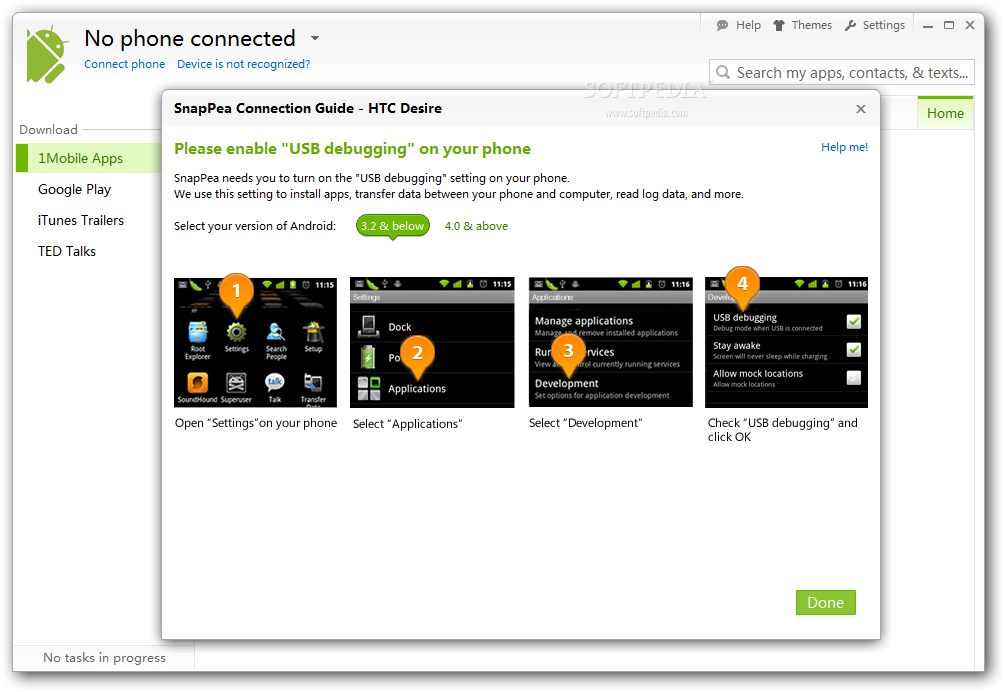
In order to communicate with the mobile device, SnapPea installs an
Android app on the phone, which is automatically activated the moment
you connect the phone to the computer.
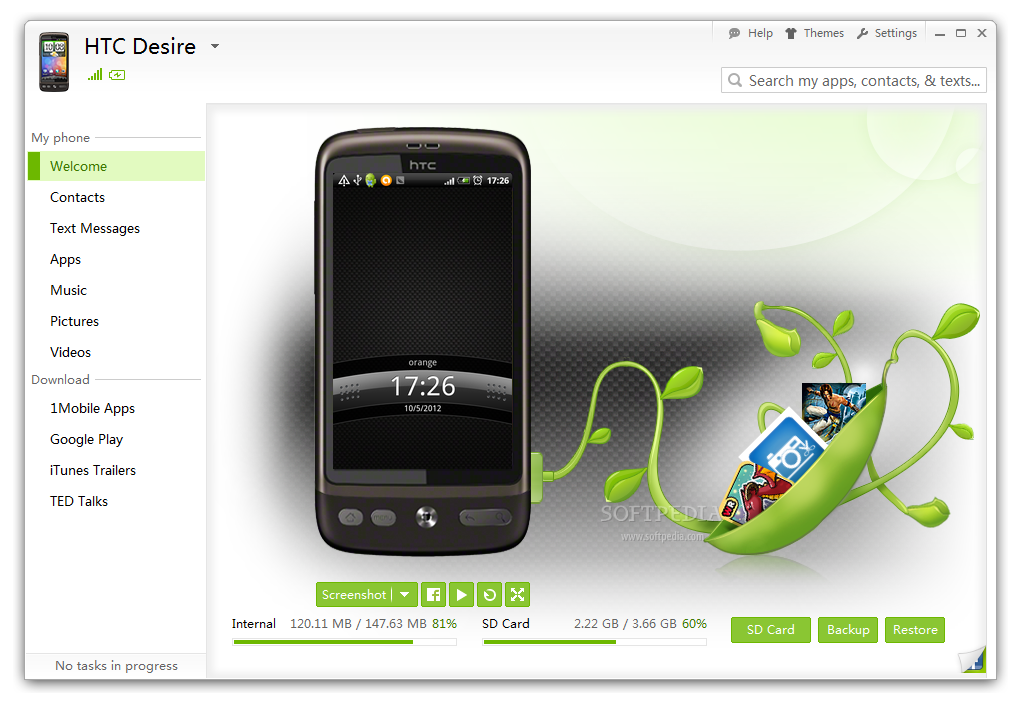
The interface is quite simple, showing a big image of the device type
and its main screen, but at the same time offering easy access to areas
of interest: contacts, text messages, the list of installed Android
apps, and media files present on the device (music, images and videos).
All aforementioned information is readily available through the side menu in the left part of the application window.
Contacts are listed into entries with phone numbers and starred ones,
but you can also view all of them. Once you select a contact, SnapPea
automatically retrieves the communication history, which refers to text
messages exchanged but not the call history.
Moreover, the application lets you add new contacts, complete with
details such as email, Skype address, company information or notes.
SnapPea even lets you associate a picture, either from the phone or from
the computer.
With messages things are pretty much the same, and you can see the conversation exchanged with a selected contact.
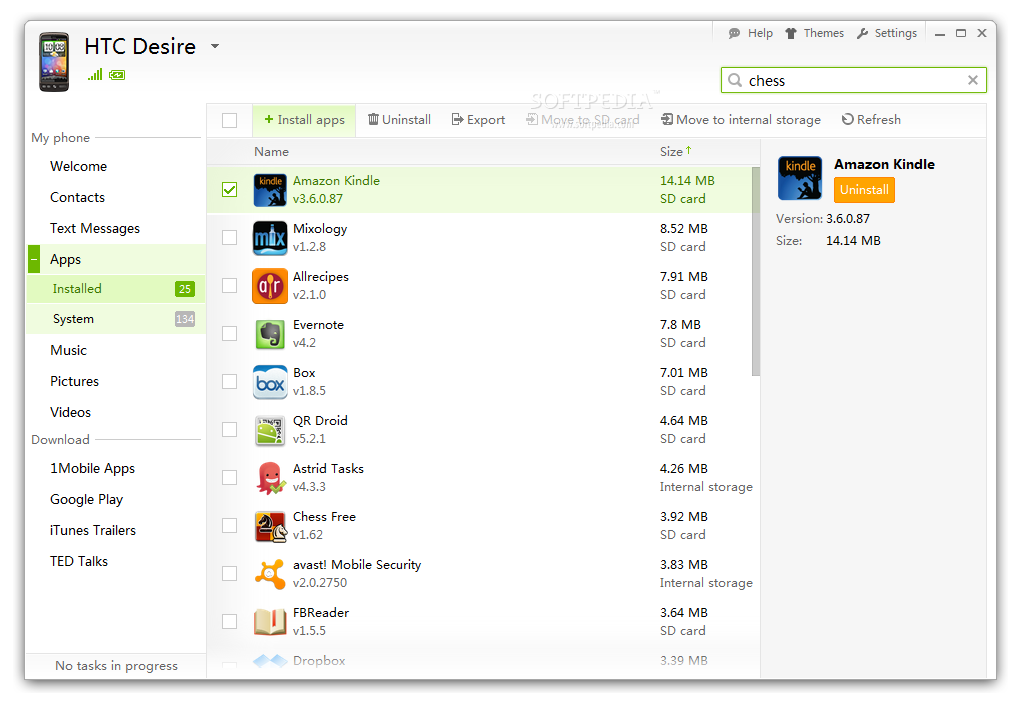
However, SnapPea is not only capable of showing all the Android apps you
have installed on the phone, but it also allows you to add new ones
straight from the PC (if you have the APK file) or uninstall existing
ones. If they’re installed in the internal storage it can move them to
the supplemental space provided by the SD card.
Handling the audio files on the phone with SnapPea may seem a bit
limited, but the possibilities include importing new songs, deleting
entries or setting them as a ringtone. The developer added the
possibility to listen to them, via a built-in audio player, but not all
formats are supported. We were able to listen only to MP3s.
If an audio file is assigned a particular function, this should be
marked in the application in some way. For instance, alarms are listed
as pertaining to Alarms album while the main ringtone has a phone icon
assigned to indicate the purpose. Unfortunately, the icon is not
displayed for ringtones assigned to groups or individual contacts.
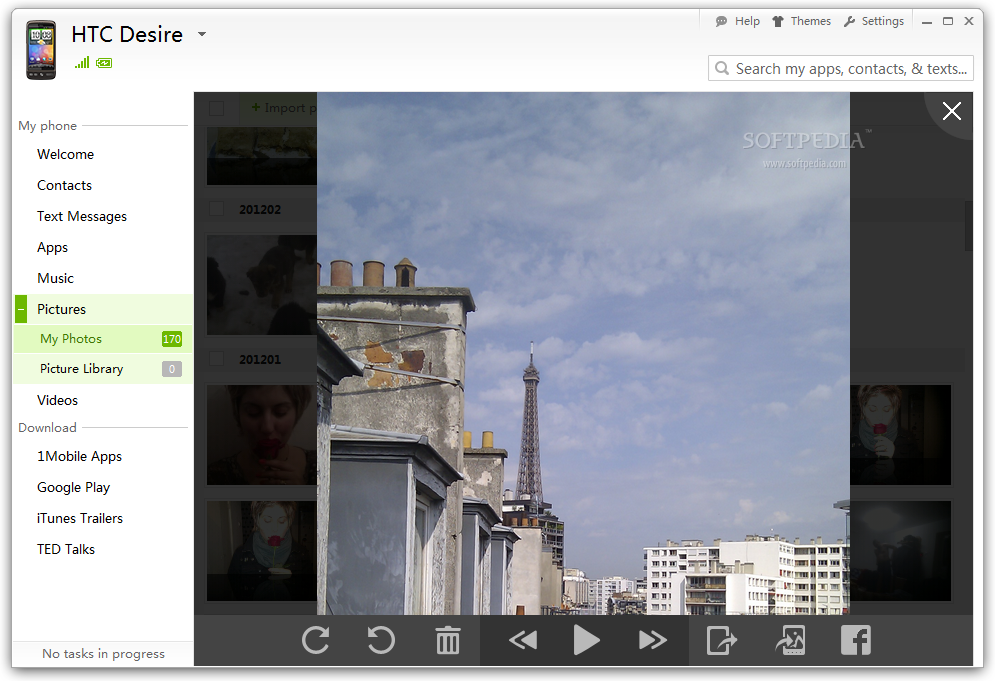
The section for images is equipped with a built-in viewer, which allows
you to move through the picture library, set wallpapers as well as
rotate, share on Facebook or delete photos altogether.
With videos, the options are more limited, as you can only import new
ones, delete them or play them with the default application on the PC.
Thumbnails are provided, but not for all of them.
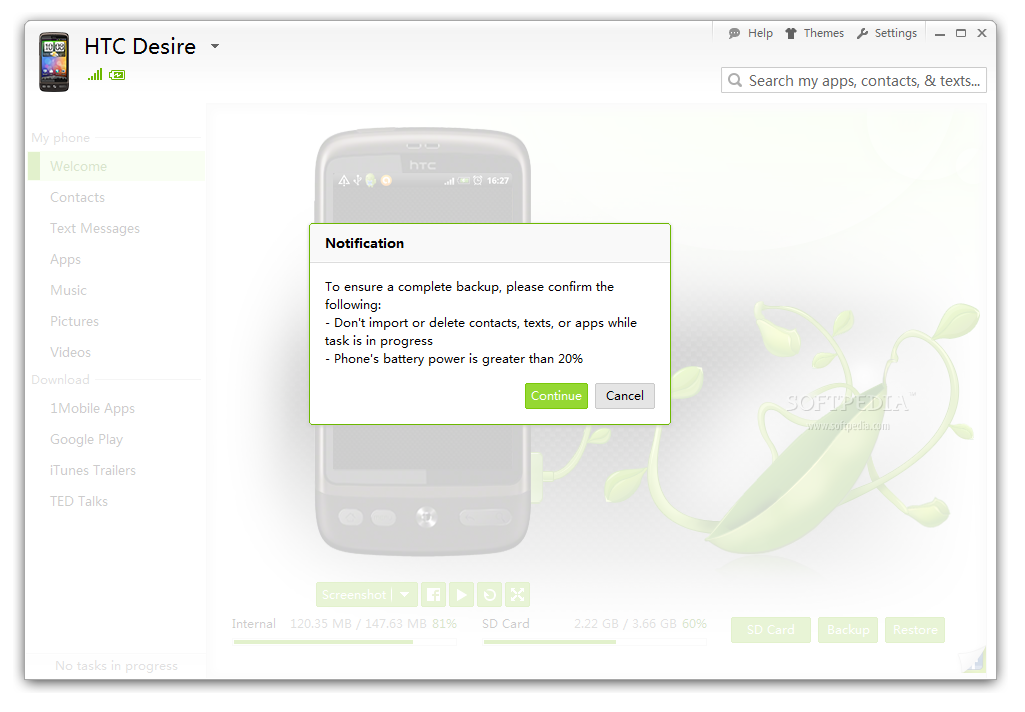
SnapPea’s versatility is not restricted only to managing the data on
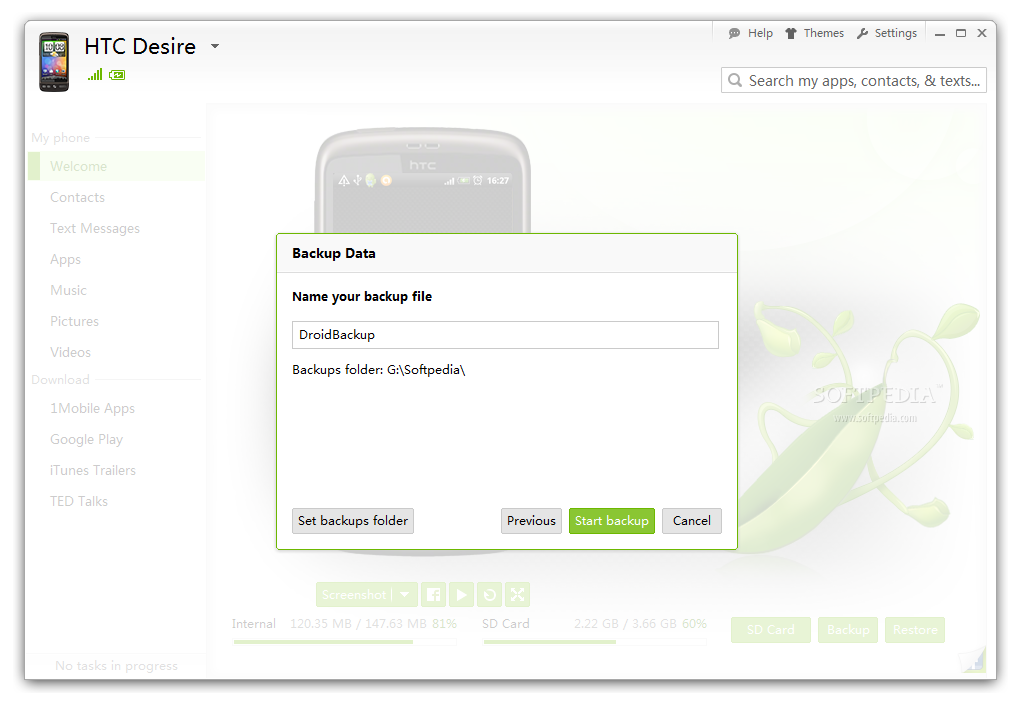
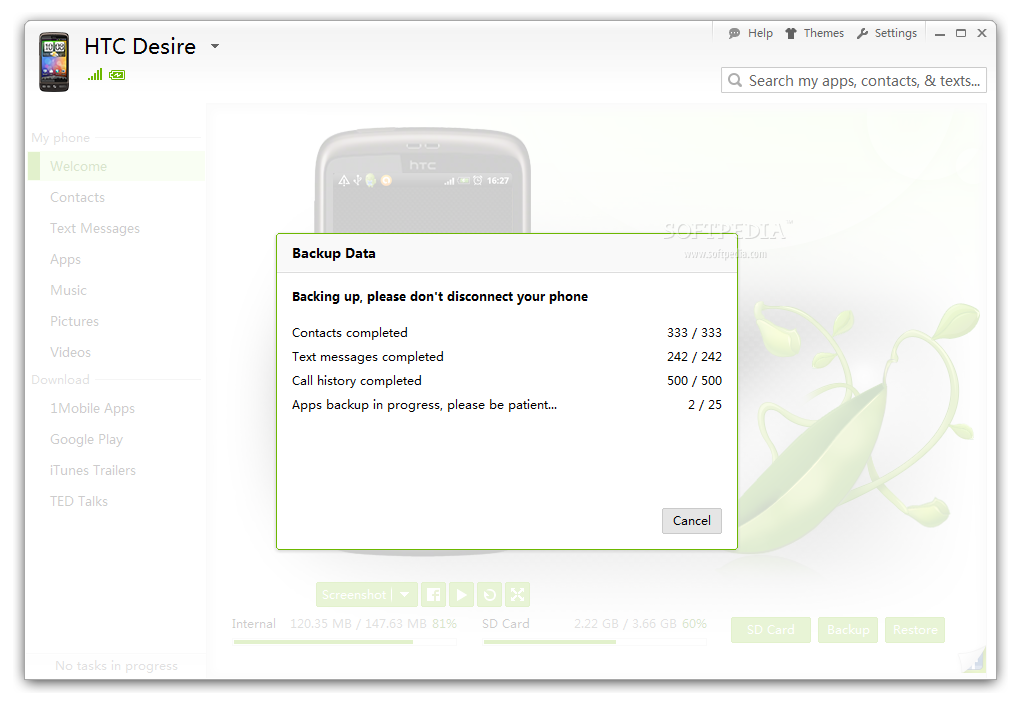
your Android device. The application can also back up and restore
contacts, text messages, call history and applications. You get to
choose the type of data to back up. It’s a simple operation that ends
with saving everything as a ZIP archive.
The call log and text messages are saved as CSV, a format that can be
easily imported in other programs, and contact information in the
standard VCF. Restoring also offers the choice of the data you want back
on the phone.
SnapPea already comes tweaked for the majority of users, but the
settings let you configure the launch-related actions (deploy when a
phone is connected to the PC or when it is on the same WiFi network) or
select the default location for storing backup files.
Since it can also install mobile apps, SnapPea provides options for
APKs, but only for the location they should be placed, internal storage
or SD card.
The Good
It provides a simple way to manage data on your phone and back up
important information, such as the list of contacts, photos or text
messages.
You can send messages to contacts using the computer keyboard, export
conversations, download and install applications on the phone as well as
set audio files as ringtones, notification or alarm sound.
The Bad
The application is currently in beta stage of development and glitches and functionality can be improved for the stable release.
The Truth
SnapPea
is a simple application that can help you manage the content on your
phone and back up important information. Apart from this, the download
section allows you to add content such as applications or video from
iTunes Trailers and TED Talks straight to your phone.
Note:
SnapPea is currently in beta stage of development, hence a project in
progress. As such, our rating will remain set to the default three stars
until the stable version is evaluated.
 Posts filed under tips-trick